


Extend Dual Band Wi-Fi across Your Home
Keep the Whole Home Connected
RE300 wirelessly connects to your Wi-Fi router, strengthening and expanding its signal into areas it can’t reach on its own. With speeds of up to 300 Mbps on 2.4 GHz and 867 Mbps on 5 GHz, put strong, fast Wi-Fi in every room and say goodbye to dead zones.
TP-Link OneMesh
OneMesh is a simple way to form a Mesh network with a single Wi-Fi name for seamless whole-home coverage. Just connect a OneMesh range extender to a OneMesh router. No more searching around for a stable connection.
Enjoy a Mesh Network with Your Existing Router
Want a Mesh network? Hesitate on whether to replace your existing router and buy a Mesh set?
TP-Link OneMesh resolves your dilemma.
High-Speed Dual Band Wi-Fi without Bandwidth Drop
Faster AC1200 Dual Band Wi-Fi
The RE300 lets you keep more devices connected simultaneously with its 2.4 GHz 300 Mbps and 5 GHz 867 Mbps dual bands.
Keeps Itself Fast
Adaptive Path Selection keeps your network running at top-speed by automatically choosing the fastest connection path to the router.
High Speed Mode
Use both Wi-Fi bands to establish one super-high-speed connection, ideal for HD streaming & gaming.
Secure One-Touch Connection for Easy Setup
Step 1: Simply press the WPS button on your router and, within 2 minutes, the WPS button on RE300 to connect to the network.
Step 2: Once connected, place RE300 to the best location—without reconfiguration.
Find the Best Location with the Smart Signal Indicator
The smart signal indicator lets you see signal strength from the existing router at a glance. Easily to find the best place to position your range extender to extend your Wi-Fi.
Feature-Rich App for Control in Your Hands
Set up and manage your Wi-Fi through the TP-Link Tether app from your smartphone (Android, iOS), including TP-Link routers and range extenders.

TECH SPECS:


Featured collection
-
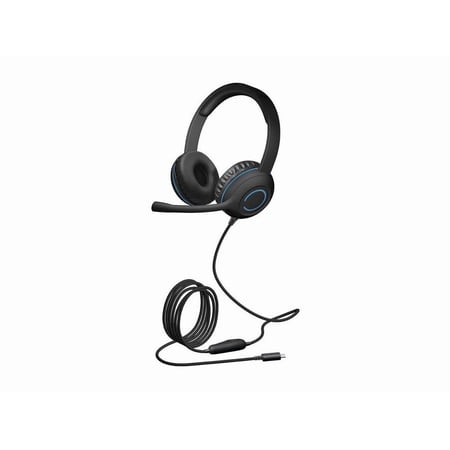
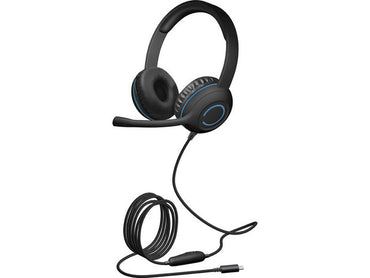
Cyber Acoustics - USB-C HEADSET WITH BRAIDED TUFF CORD MULTI 20 UNIDIRECTIONAL FLEX
Regular price $33.85Sale price $33.85 Regular price $0.00Unit price per -
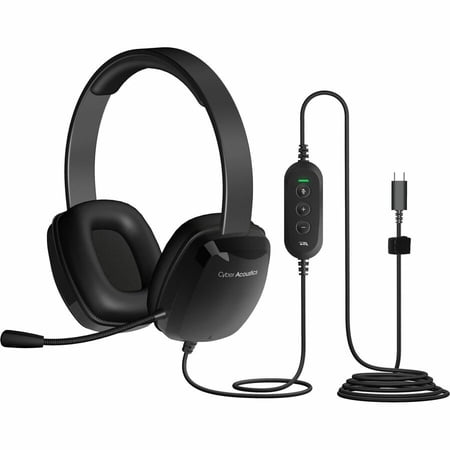
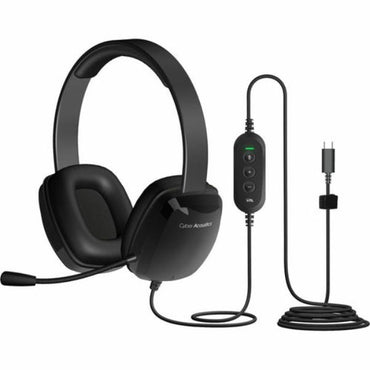
Cyber Acoustics - USB-C HEADSET WITH BRAIDED TUFF CORD MULTI 20 UNIDIRECTIONAL FLEX
Regular price $32.44Sale price $32.44 Regular price $0.00Unit price per -
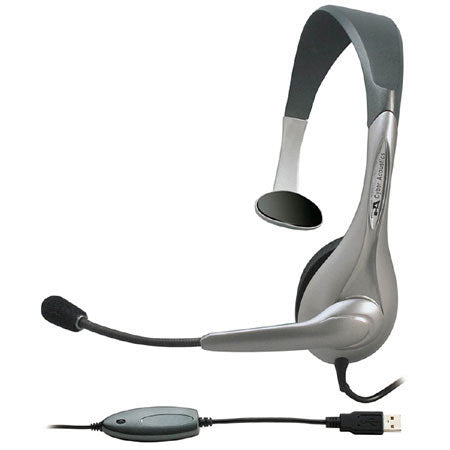
Cyber Acoustics - INTERNET COMMUNICATION USB MONO MULTI 24
Regular price $25.38Sale price $25.38 Regular price $0.00Unit price per -
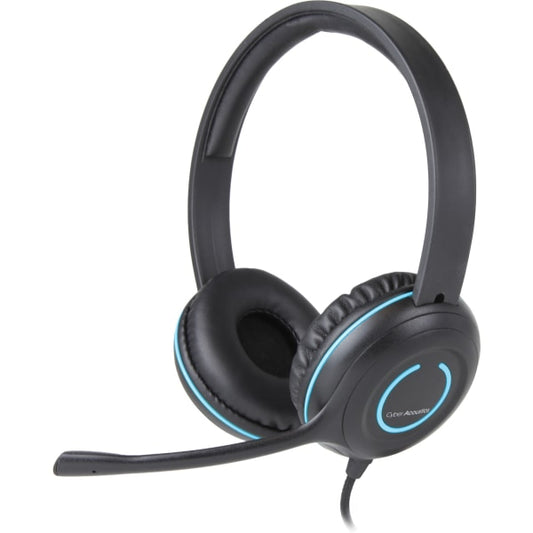
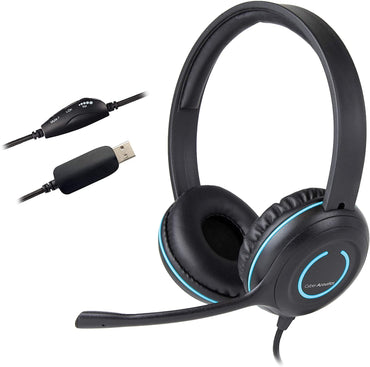
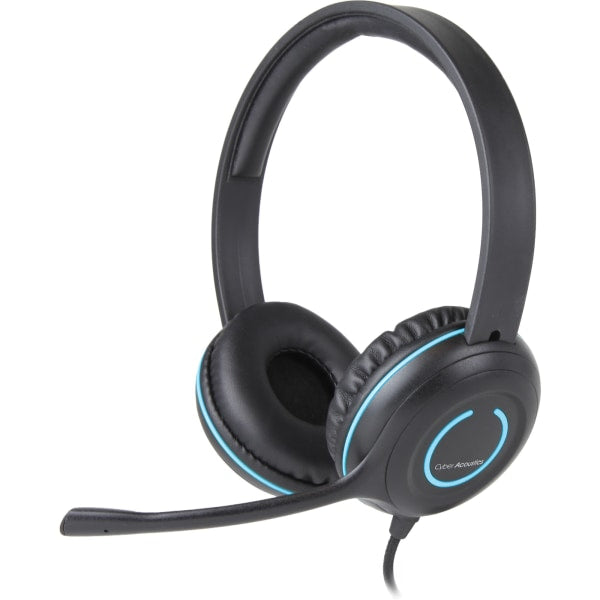
Cyber Acoustics - STEREO USB HEADSET K-12 DURABLE MULTI 20
Regular price $32.44Sale price $32.44 Regular price $0.00Unit price per -
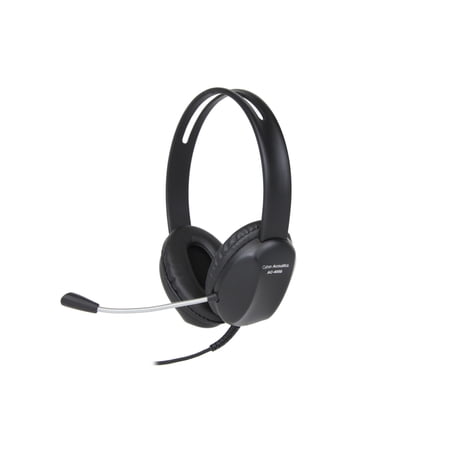
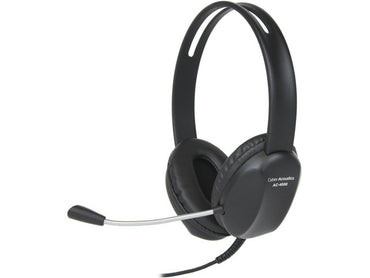
Cyber Acoustics - STEREO HEADSET W/SINGLE 3.5MM MULTI 20
Regular price $21.15Sale price $21.15 Regular price $0.00Unit price per -
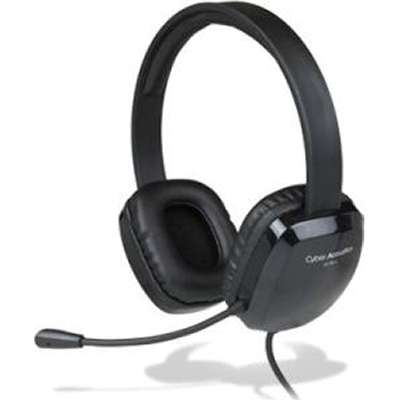
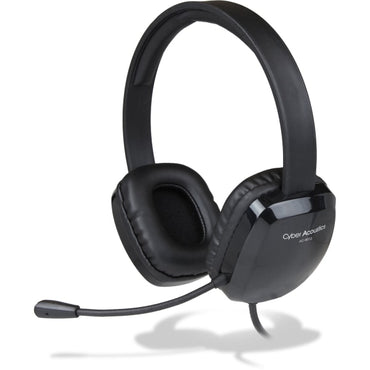
Cyber Acoustics - USB STEREO HEADSET K-12 CORD MULTI 20
Regular price $32.44Sale price $32.44 Regular price $0.00Unit price per -
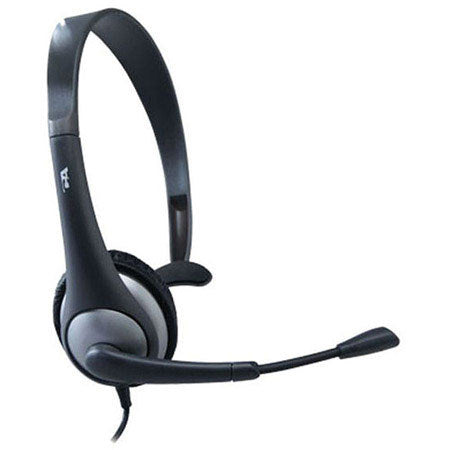
Cyber Acoustics - MONO HEADSET W/ BOOM MIC 3.5MM MULTI 24
Regular price $21.15Sale price $21.15 Regular price $0.00Unit price per -
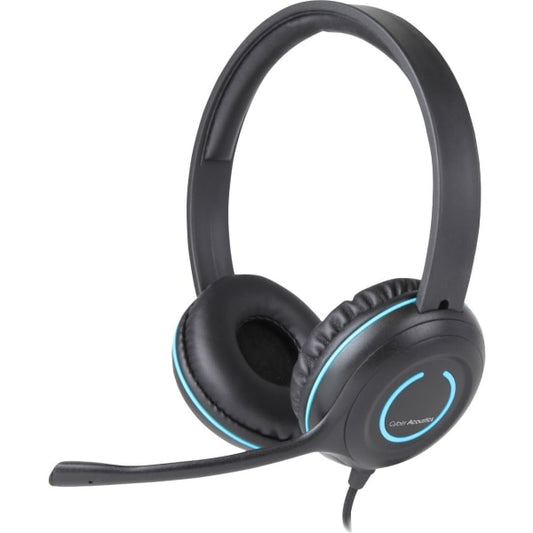
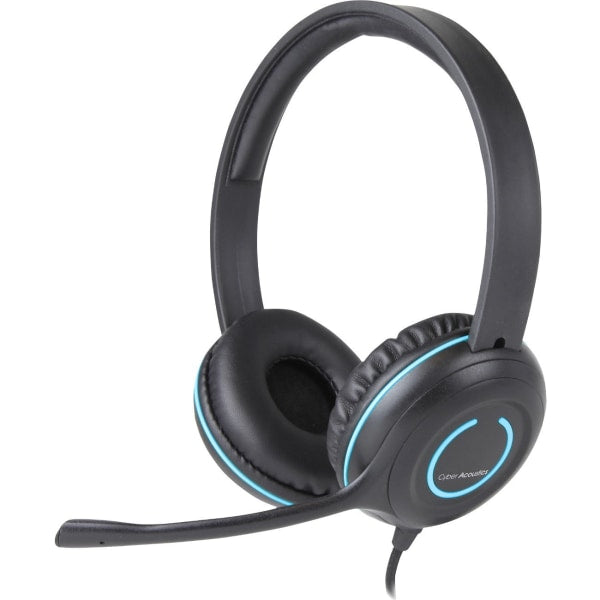
Cyber Acoustics - STEREO HEADSET SINGLE 3.5M PLUG MULTI 20
Regular price $28.20Sale price $28.20 Regular price $0.00Unit price per


